
Technology & AI
Optimise Your Home Wi-Fi Signal Strength
Improve your internet performance by adjusting router placement, settings, and network configurations effectively.
3 lessons 30 minBeginnerBy Priya Nair
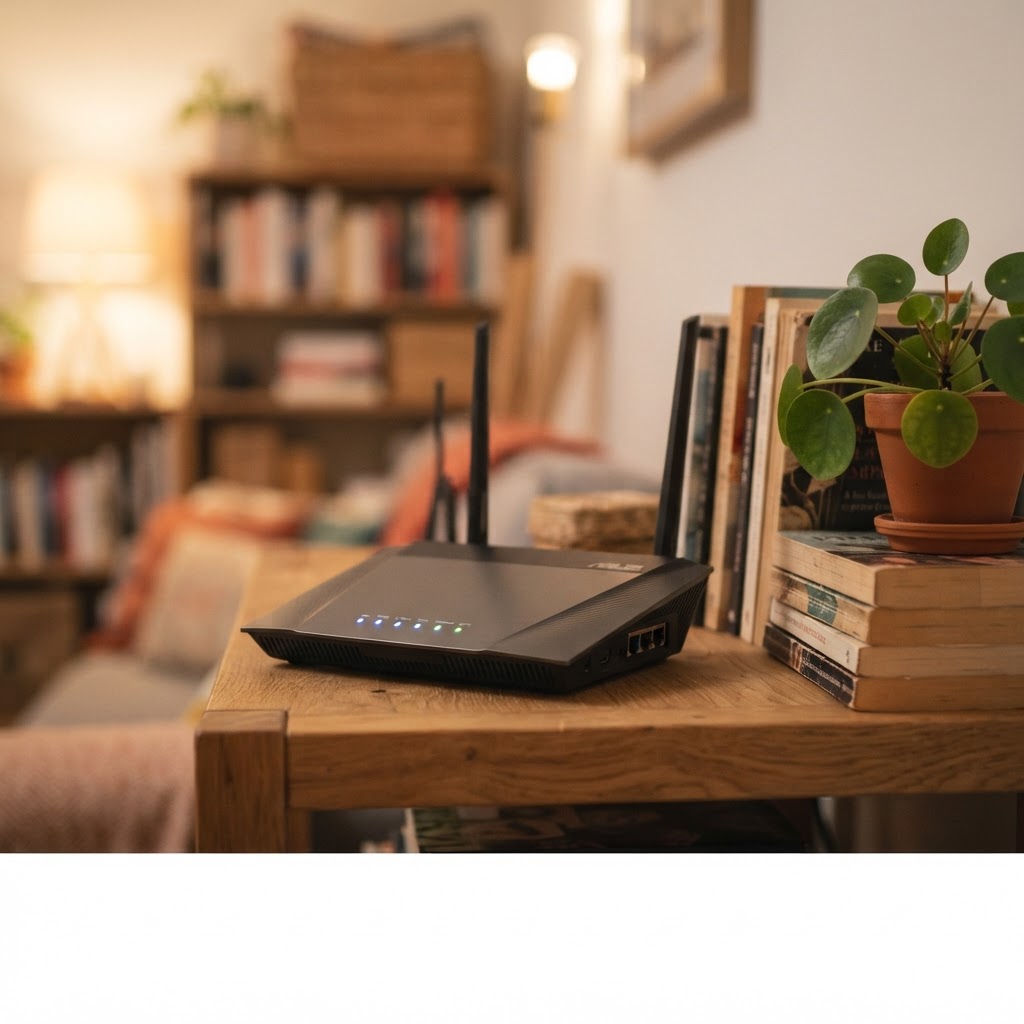
What you will be able to do
- Locate the ideal position for your wireless router
- Configure frequency bands for optimal range and speed
- Implement basic network security and firmware updates
Solve persistent connection issues by identifying and removing sources of interference in your home. You will learn to configure router settings for better speed and coverage, ensuring that every room gets the signal it needs for smooth streaming and browsing without hardware upgrades.
Lessons
- 01Positioning for Maximum Range8 min · Free preview
- 02Configuring Frequency and Channels12 min
- 03Advanced Coverage and Troubleshooting10 min
Practice tool included
Prompt Brief
Turn a vague idea into a precise request, with the facts to keep and the data to strip out first.
Preview the tool